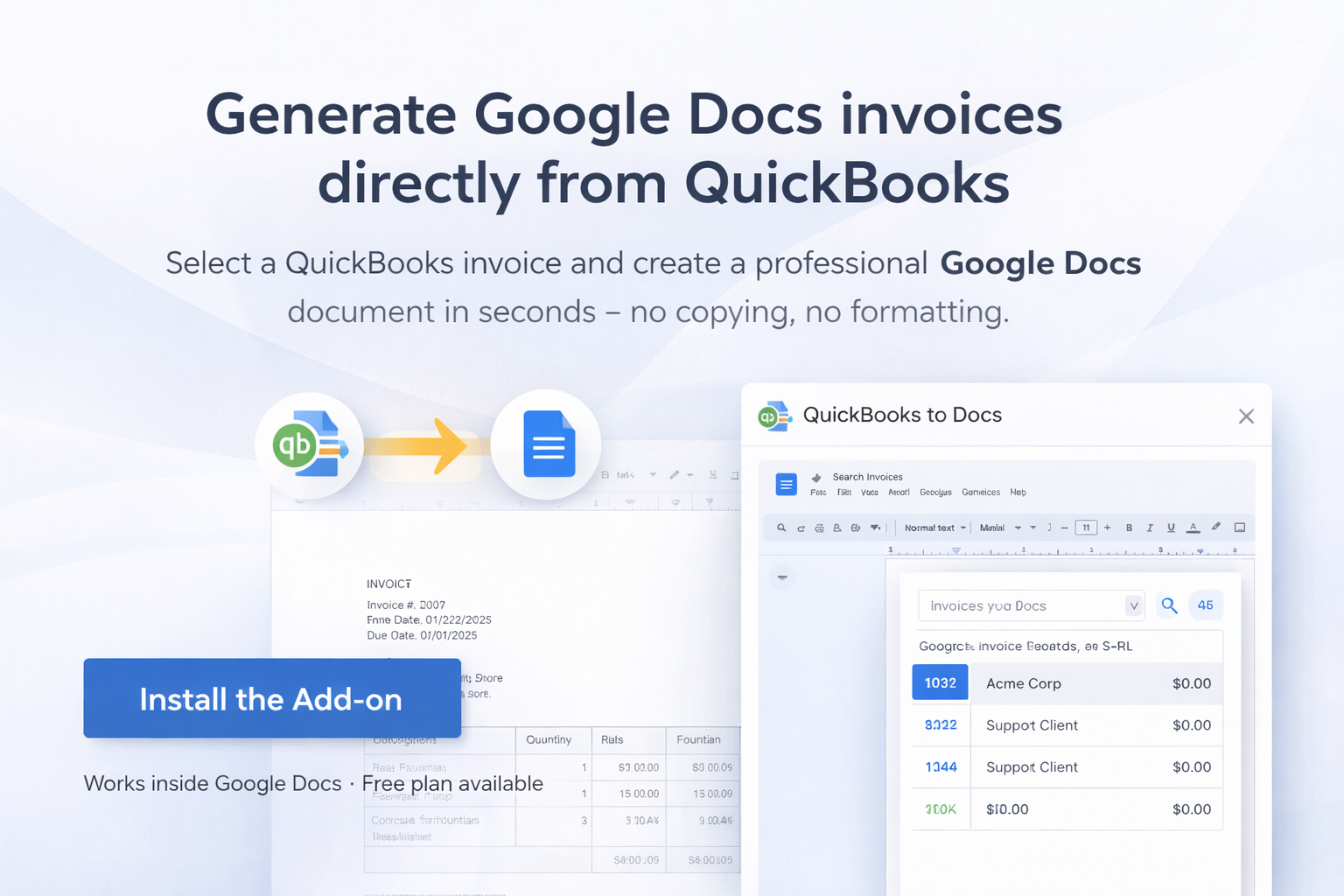
Generate Google Docs invoices directly from QuickBooks
Select a QuickBooks invoice and create a professional Google Docs document in seconds — no copying, no formatting.
Works inside Google Docs • Free plan available
Exporting QuickBooks invoices shouldn't require copy-paste
Many accountants and freelancers export invoice data from QuickBooks manually.
Typical workflow:
- Open QuickBooks
- Copy invoice details
- Paste into a document
- Reformat the layout
This process is slow and error-prone.
QuickBooks to Docs automates the entire process.
Generate invoice documents in 3 simple steps
Connect QuickBooks
Authorize access to your QuickBooks account securely using OAuth.
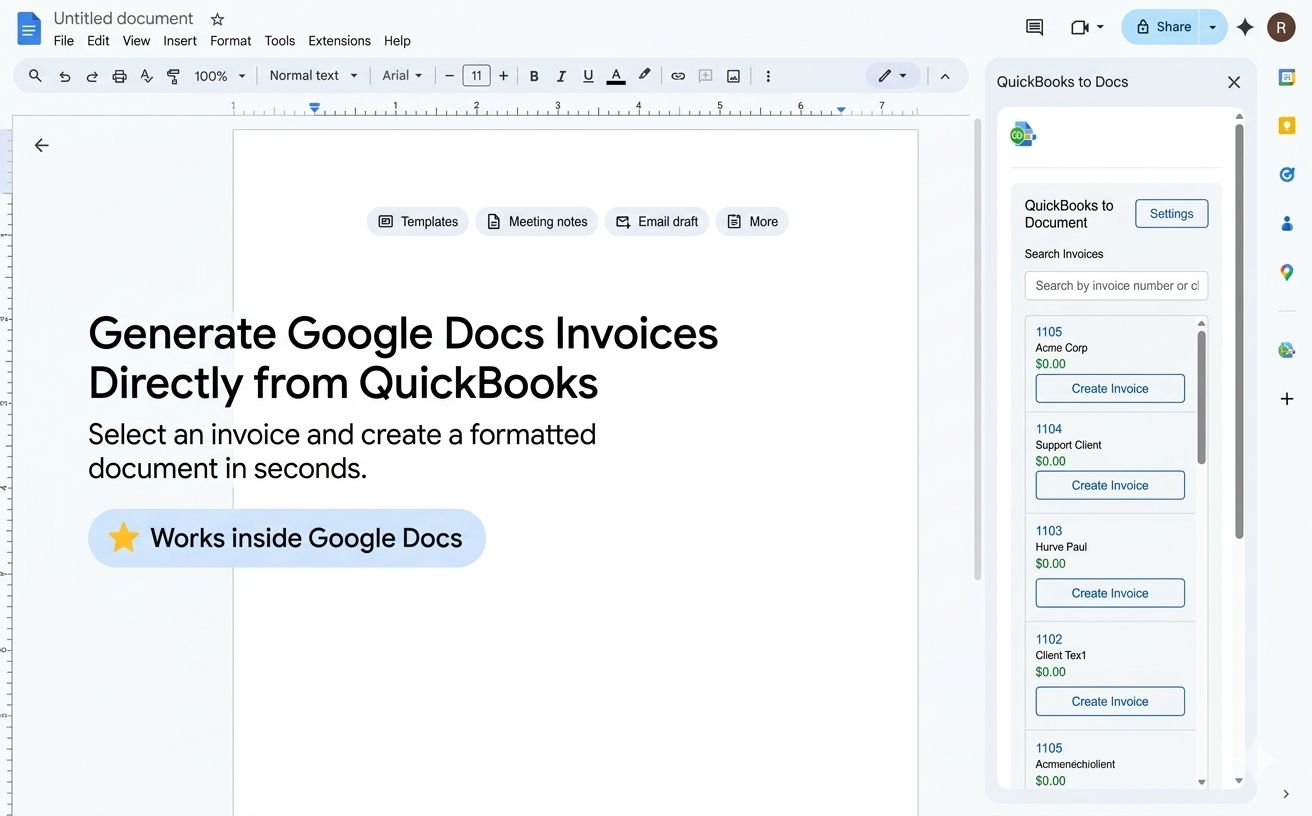
Select an invoice
Search and choose any QuickBooks invoice directly inside Google Docs.
Generate the document
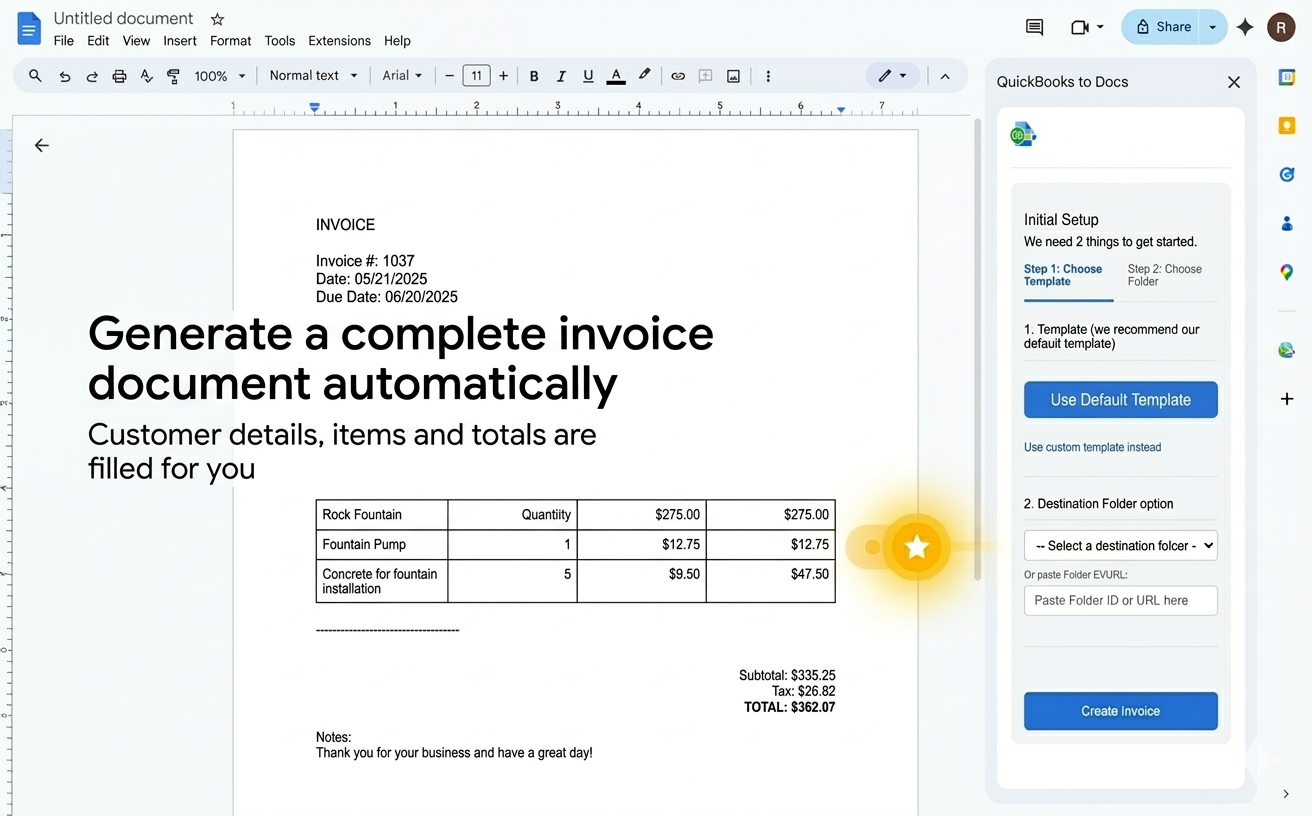
Create a fully formatted Google Docs invoice instantly. Customer details, line items, and totals are filled automatically.
Built to work where you already are: Google Docs
Built for accountants, freelancers, and small businesses
Generate Google Docs invoices
Create formatted invoice documents from QuickBooks with one click.
Use your own invoice template
Customize your Google Docs template to match your branding.
Automatic data merge
Customer information, invoice number, dates, line items, taxes, and totals are filled automatically.
Save to Google Drive
Choose the destination folder for generated invoices and keep everything organized.
Save time on every invoice
QuickBooks to Docs helps you:
- Eliminate manual invoice formatting
- Generate clean, shareable documents
- Export invoices faster
- Standardize invoice templates across clients and teams
Many users generate their invoice documents in under 10 seconds.
Perfect for
Accountants
Bookkeepers
Freelancers
Consultants
Small businesses
Agencies managing client invoices
Simple pricing
Free plan available. Generate invoices and test the workflow before upgrading.
Upgrade to Pro for unlimited invoice generation.
Frequently asked questions
Does this work with QuickBooks Online?
Yes. QuickBooks to Docs connects directly to QuickBooks Online.
Can I use my own invoice template?
Yes. You can provide a Google Docs template and the add-on will fill it automatically with invoice data.
Where are generated invoices saved?
Documents are created in your chosen Google Drive folder so everything stays in your workspace.
Is my data stored?
Invoice data is used only to generate documents and is not stored permanently. We do not sell, share, or store user financial data.
Generate Google Docs invoices in seconds
Install QuickBooks to Docs and start exporting QuickBooks invoices instantly.